Turn everyday site conditions into clear visual evidence. Photos gives teams a quick way to capture, organise and report additional images against the correct site.
Give teams an easy way to record the visual detail that does not naturally belong inside another Ontouch activity. Photos can be linked directly to the current site while onsite, or the user can select the correct site when capturing from elsewhere.
Each submission can include up to six photos, a photo type, folder, task or reference and a description. Ontouch also records the capture location, helping turn a simple image into a more useful operational record.
Photos are prepared for upload immediately and, if connectivity is interrupted, are saved on the device and retried automatically when a connection is available.
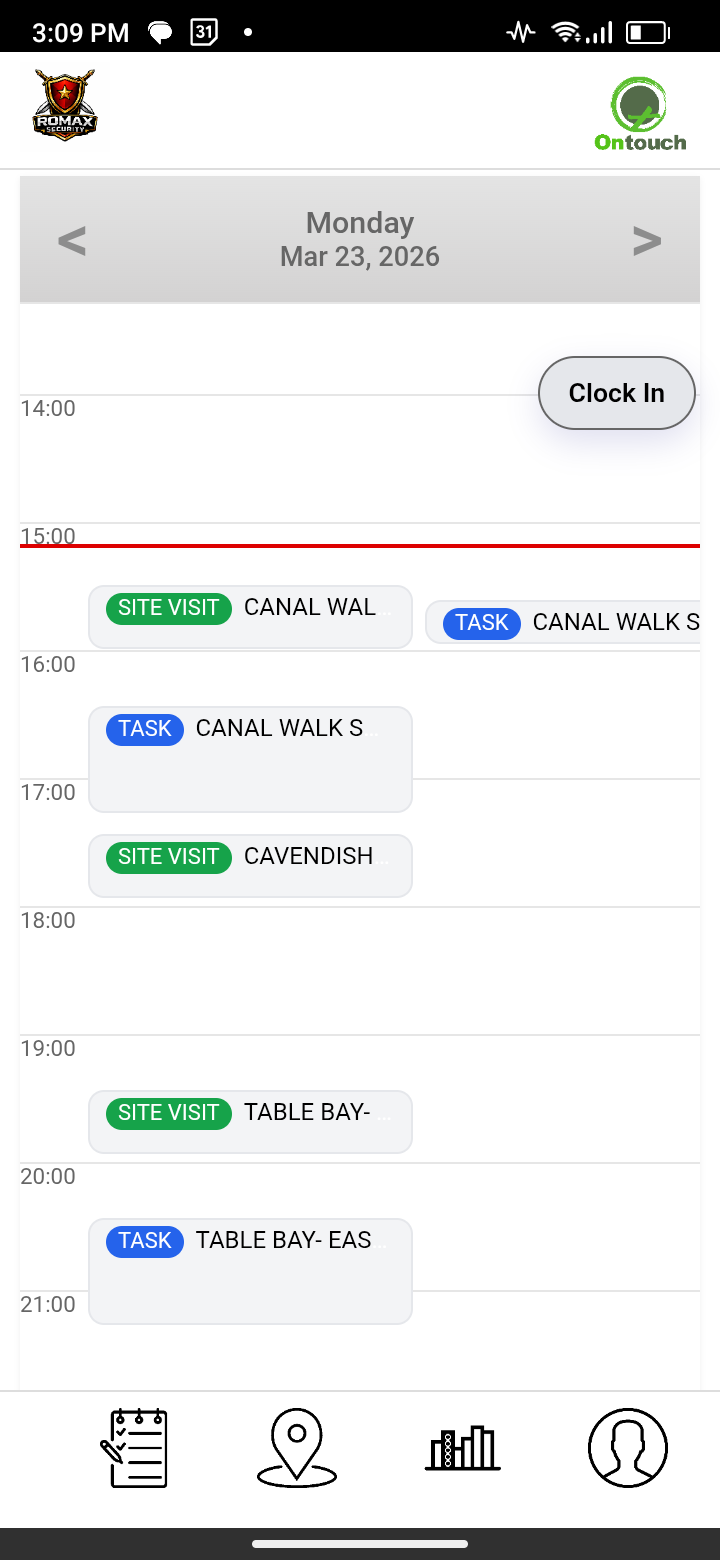
Photos
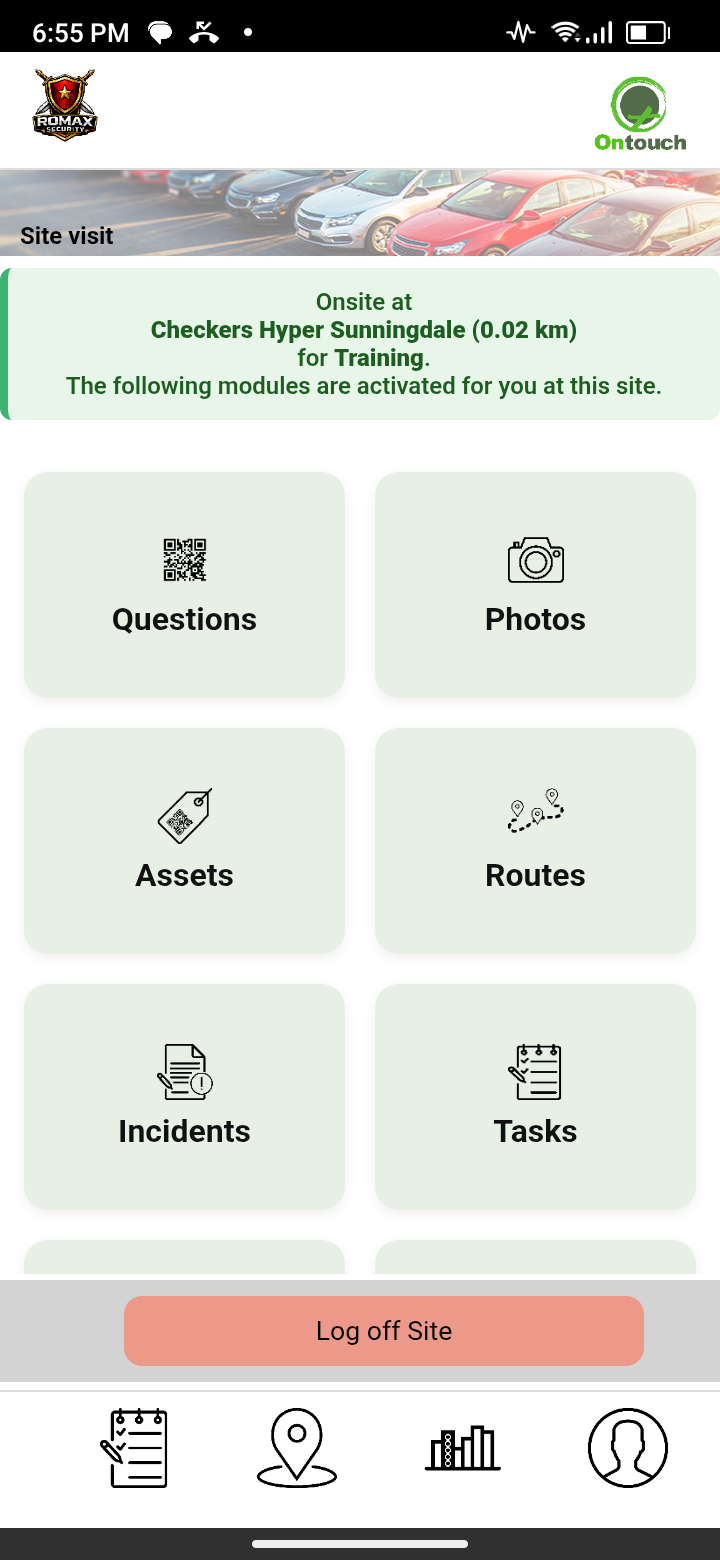
Select site
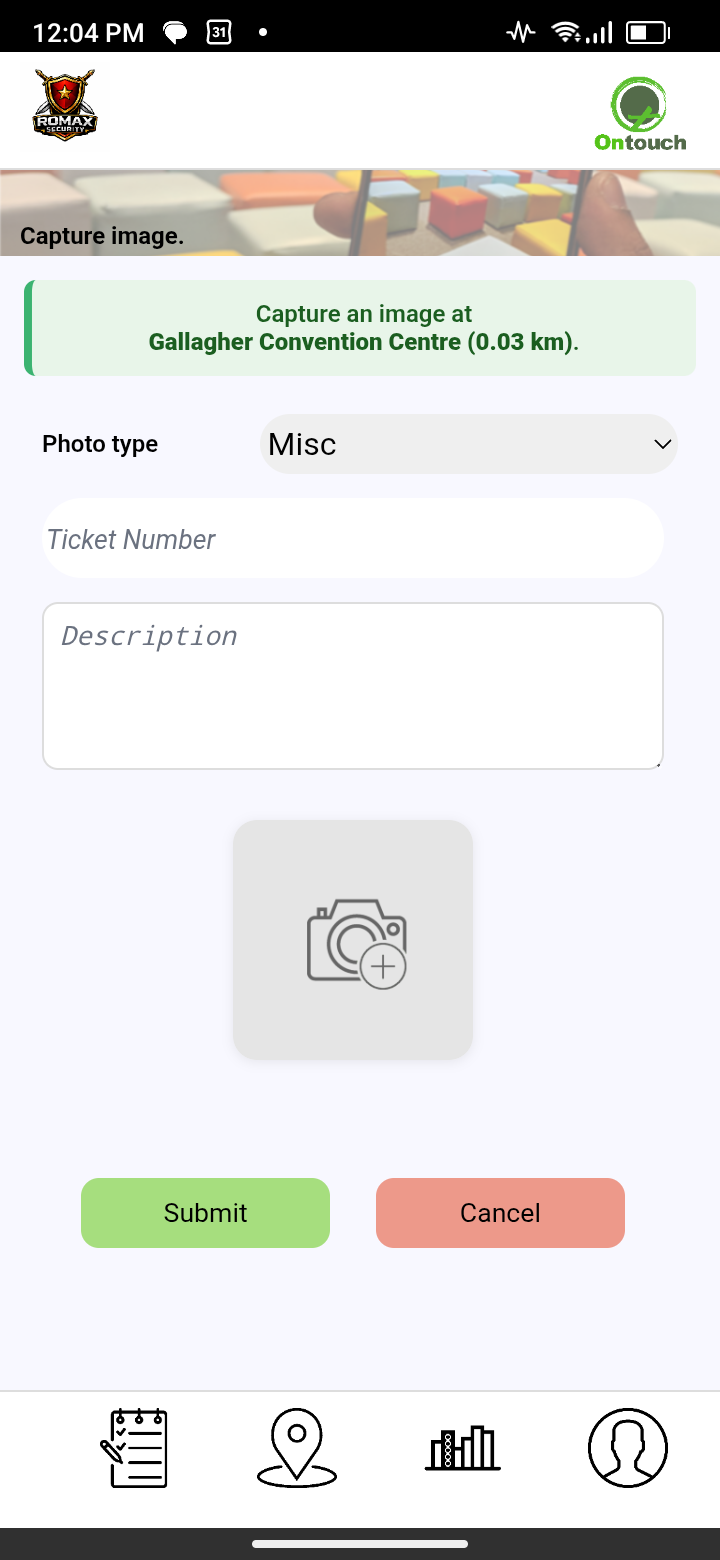
Capture photos
❮
❯
Photos is designed for additional site images that sit outside the evidence already captured inside modules such as Incidents, Question Sets, Tasks and Assets. This keeps general site photography in one dedicated place without mixing it into unrelated activity records.
Images can be classified as Before Photo, After Photo, Misc, Event or Social, then organised into reusable folders created by your team. This makes it easier to build a consistent visual record for projects, areas, events or recurring site activity.
OFFLINE READY
Captured photos are queued on the device before upload. If coverage drops, they remain safely saved and retry automatically when the connection returns.
Photo management on our website
The Photos dashboard turns captured images into an organised visual record that management can actually use. Reports can be filtered by period, site, user and photo folder, with totals for photos, photo types, active photo days, sites and users.
A recent-photo gallery makes it easy to review what has been captured, while detailed records show the photo, date, description, type, folder, site and user. This helps managers find the evidence they need without searching through phones, chat groups or shared folders.
Used consistently, Photos gives your business a clearer visual history of site conditions, progress, completed work and noteworthy events — all linked back to the right site and person.
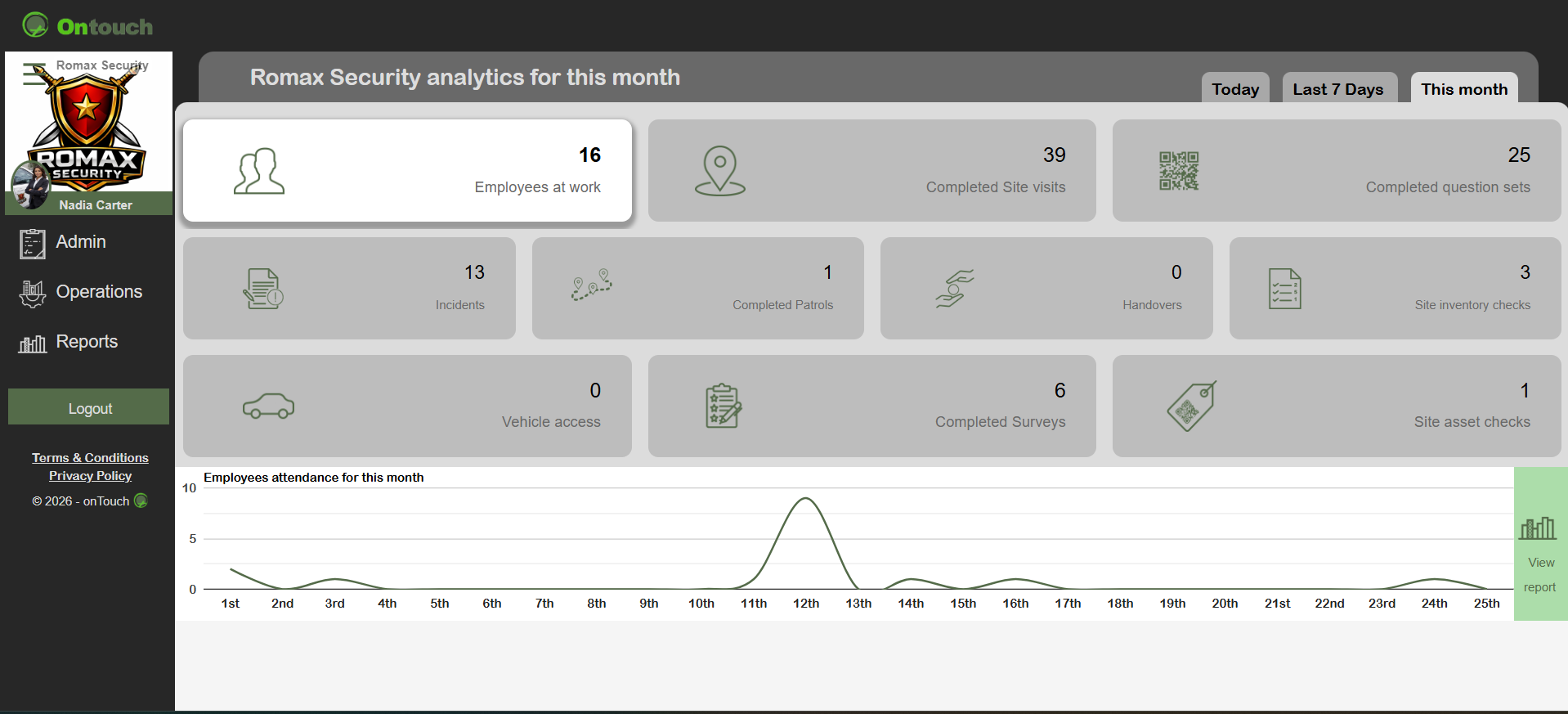
Photos dashboard
❮
❯
* Site-linked photos * Up to 6 photos at a time * Before & After photos * Event, Social & Misc types * Custom folders * Task / reference * Descriptions * GPS capture * Offline retry * Photo dashboard * Detailed reports
Images are for demonstration purposes only.
©